

Your entire firm.
Finally under control.
Clerra calculates Canadian tax deadlines automatically, moves recurring work forward, and keeps your team and clients in sync—from first request to filed.
No credit card · Every feature included · Canadian data residency
Works with your existing stack




Everyone knows what to do next.
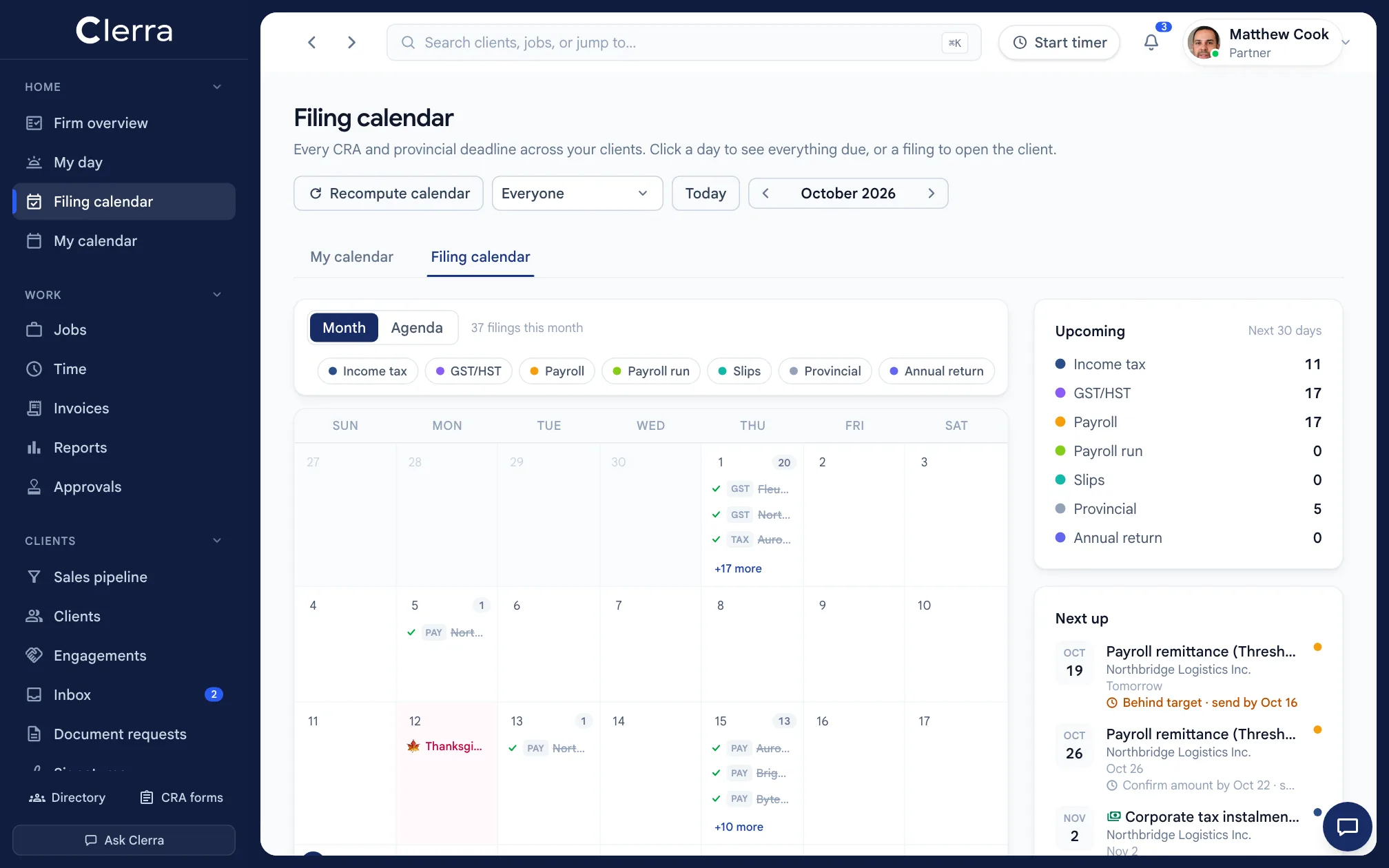
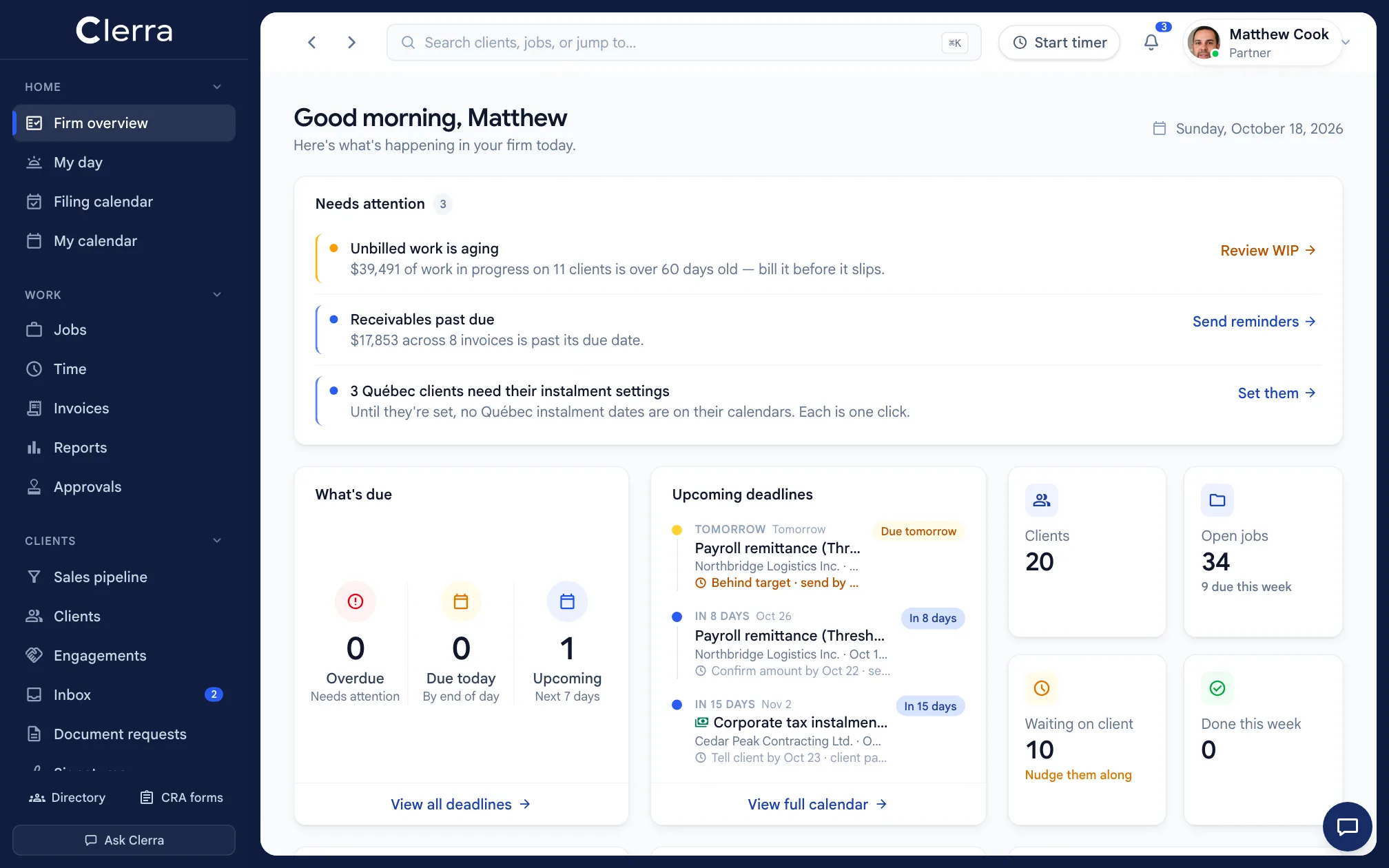
See every deadline, blocked job, client request, review and unbilled hour across the firm — without another spreadsheet or round of check-ins.
Add the client.
Clerra builds the calendar.
Enter the entity type, fiscal year end and filing requirements. Clerra calculates every applicable CRA and provincial deadline — and keeps them current as the client changes.
Client profile
- Entity type
- Ontario CCPC (T2)
- Fiscal year end
- Dec 31
- GST/HST
- Quarterly
- Payroll
- Biweekly, regular remitter
- Slips
- T4
- Tax instalments
- Quarterly
Filing calendar · generated for 2027
- Q4 GST/HST returnFeb 1Jan 31 is a Sunday
- T4 slips and summaryMar 1Feb 28 is a Sunday
- Corporate tax balance dueMar 31
- Corporate tax instalmentsMar 31 · Jun 30 · Oct 1 · Dec 31Sep 30 is a federal holiday
- Payroll remittances15th, monthly
- T2 corporate returnJun 30
- Ontario annual returnJun 30
Build it once.
Run it all year.
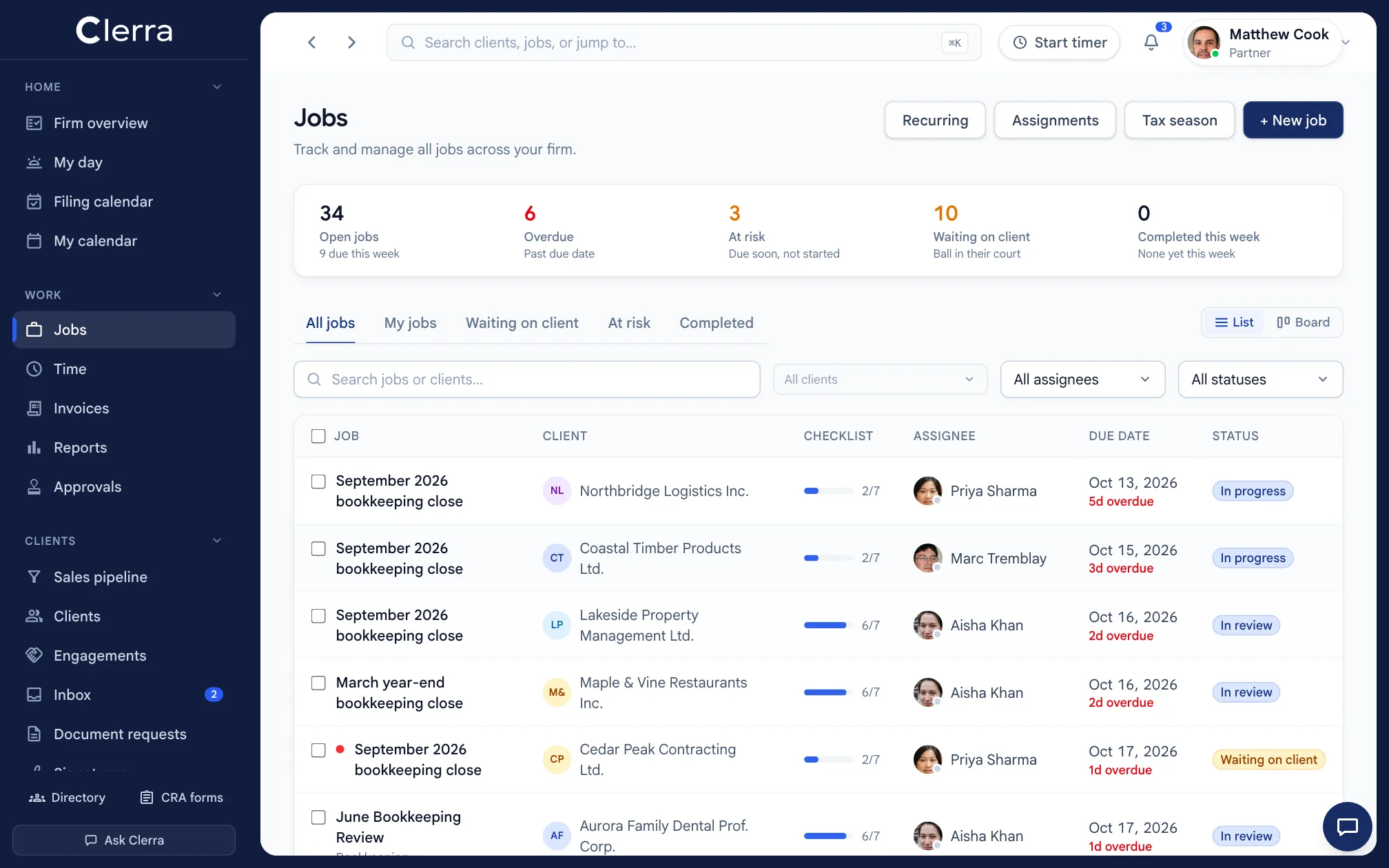
Monthly closes, quarterly GST/HST and annual returns launch on schedule, already assigned and ready to move from first step to filed.
So simple, clients actually use it.
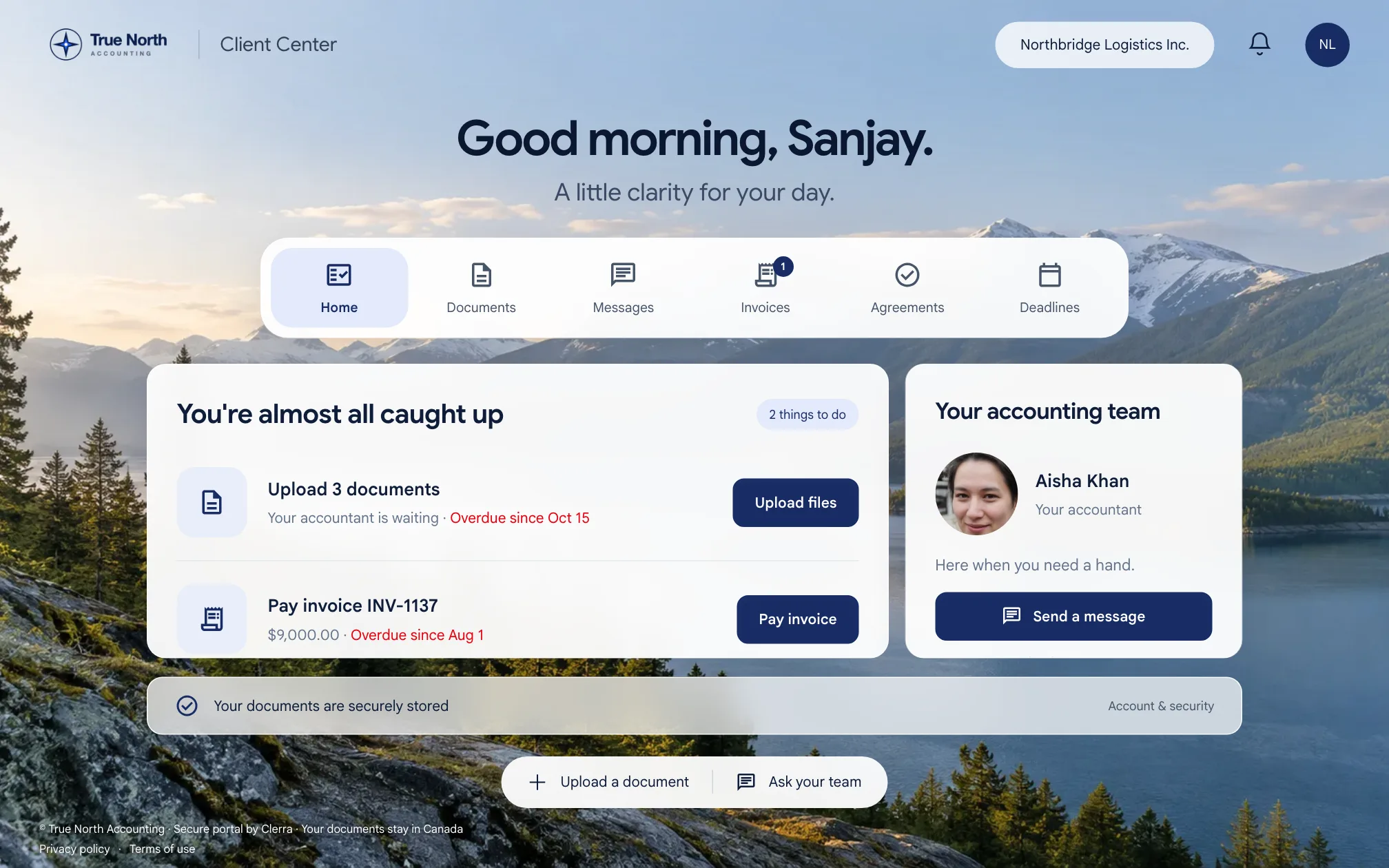
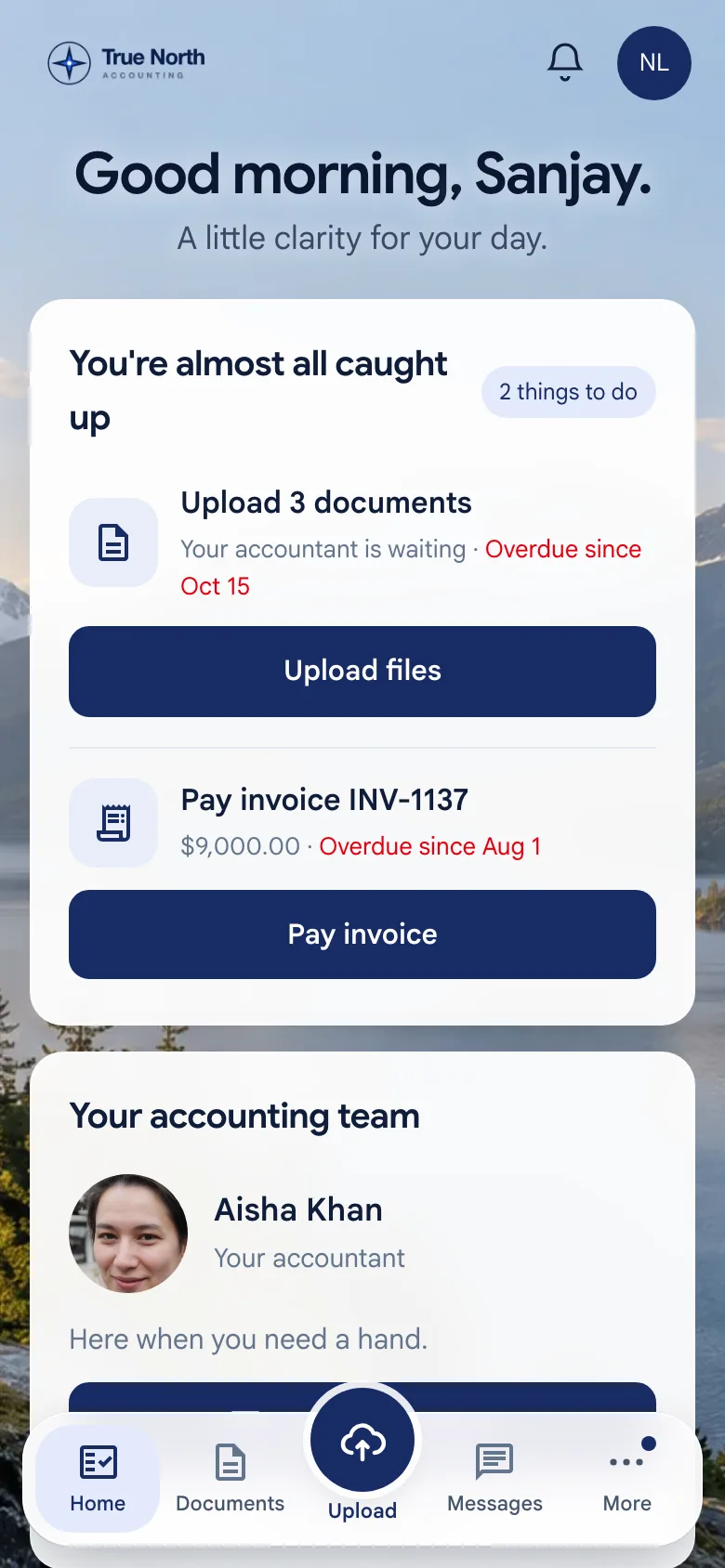
Send a document checklist; clients upload from any device and see exactly what's outstanding. Message them, share reports — nothing internal is ever visible.
- Your firm's logo on everything clients see
- Send a document request in seconds
- Clients see exactly what's still outstanding
- Secure upload from phone or desktop
- Messages and files, all in one thread
- Free for every client
Simpler than
staying stuck.
We help you bring your practice over. Your firm can be up and running in an afternoon.
- 01
Import your client list from QuickBooks, Sage or a spreadsheet
- 02
Set up your recurring work as reusable templates
- 03
Invite your team and set their roles
- 04
Organize documents into each client's file
- 05
Personal onboarding support the whole way
$49 a person.
Everything included.
Your first person is $79 — so $79 a month for your first person, then $49 for each person after. Every feature for everyone, clients always free, no usage fees, and your price locked for 24 months.
See pricing and compare- One plan, no tiers
- Unlimited clients and storage
- No contracts, cancel anytime
- Yearly? A month free
Clerra and Karbon, compared.
Karbon is a good tool built for firms everywhere. Clerra is built for Canadian firms. Here’s what that means in practice, taken from Karbon’s own pricing and security pages.
CRA & provincial deadlines calculated for you
- Clerra
- Yes: 88 rules, every province & territory
- Karbon
- Not listed
Where your data is stored
- Clerra
- Canada (Montréal, backups also in Calgary)
- Karbon
- Not stated
Price per person a month (CAD)
- Clerra
- $79 first person, $49 each after — every feature
- Karbon
- $59 Team, or $89 Business for its automation (billed yearly)
Pay monthly
- Clerra
- Any team size, cancel anytime
- Karbon
- Teams of 4+ only
E-signatures
- Clerra
- Included
- Karbon
- Bought as credits ($100 per 100)
Automatic client reminders
- Clerra
- Included
- Karbon
- Business plan only
Branded client portal
- Clerra
- Included, free for every client
- Karbon
- Not stated
Karbon details as published on karbonhq.com on October 15, 2026. “Not listed” and “Not stated” mean we couldn’t find it on their site. Compare prices for your team size.
Short videos. The whole idea.
Trust is part of the product.
Your clients trust you with everything. Clerra is engineered to protect it—from Canadian data residency to firm-level database isolation.
Canadian data residency
Records, documents and backups stored in Canadian data centres.
Every upload scanned
Documents are scanned for malware automatically; anything flagged is quarantined.
Nightly encrypted backups
Every file backed up each night in two Canadian cities, and test-restored weekly.
Firm-level database isolation
Every row locked to your firm by row-level security in the database itself.
Two-factor authentication
For your team and your clients, and you can require it for your Client Center.
Private, expiring links
Files are never public. Each download link is permission-checked and expires.
Clients see only what's theirs
A separate portal with only the files and requests you choose to share.
Full activity records
Every document access, upload and change is on the record for your admins.
What firms ask before they switch.
Something else? Book a demo or read the CRA deadline guides.
What is Clerra?+
Clerra is practice-management software for Canadian accounting and bookkeeping firms. It computes every CRA filing deadline automatically, runs recurring work like monthly closes and GST/HST, and gives each client a secure portal for documents. It's $79 a month for your first person and $49 for each person after, with every feature included and clients free.
Is Clerra Canadian, and where is my data stored?+
Yes — Clerra is built in Canada by Common Good Labs Inc. in St. Marys, Ontario, and all your data is stored in Canadian data centres (AWS Canada Central, Montréal), with row-level isolation between firms and between a firm and its clients. Canadian data residency is built in, not an add-on.
Does Clerra replace my accounting or tax software?+
No — and it never tries to. Clerra runs the work around QuickBooks, Xero, TaxCycle, ProFile or CCH. It's the practice-management layer that keeps the whole firm on track.
How much does Clerra cost?+
$79 a month for your first person and $49 for each person after. One plan with every feature, unlimited clients, unlimited storage under fair use, and no usage fees. Clients are always free. Pay monthly and cancel anytime, or pay yearly and get a month free. Prices in CAD, plus GST/HST.
Which Canadian filings does the deadline engine handle?+
Enter a client's entity type, year end, GST/HST frequency and payroll setup and Clerra builds their full filing calendar — T1, T2, T3, GST/HST, payroll remittances, T4/T5, instalments and provincial filings — rolling weekend deadlines forward and staying current as the profile changes.
How long does it take to get started?+
Most firms are productive the same afternoon: add your clients with a few compliance details, and the filing calendar is simply there.
Ready when you are
Your firm deserves
a clearer way to work.
No credit card to start · Set up in an afternoon · Data stored in Canada